
| 일 | 월 | 화 | 수 | 목 | 금 | 토 |
|---|---|---|---|---|---|---|
| 1 | 2 | 3 | 4 | 5 | 6 | |
| 7 | 8 | 9 | 10 | 11 | 12 | 13 |
| 14 | 15 | 16 | 17 | 18 | 19 | 20 |
| 21 | 22 | 23 | 24 | 25 | 26 | 27 |
| 28 | 29 | 30 |
- SPA MPA 특징
- 컴퓨터과학
- Blazor WebAssembly
- 스프링부트의 장단점
- OPC-UA
- SPA MPA
- cs기술면접
- 서버저장방식
- InteractiveServer
- nosql
- Redundant Array of Independent
- C# @rendermode
- 정보처리기사실기 기본개념
- 스프링부트 단점
- 프론트엔드
- 스프링부트 장점
- Service Worker
- C#이론
- jvm구성요소
- Blazor Web App
- c언어 정보처리기사
- SPA MPA 차이
- C# InteractiveServer
- C# CS
- spring spring boot 차이점 공통점
- C# Blazor
- 스프링 스프링부트 차이점 공통점
- CS
- REST API
- 기술면접
- Today
- Total
담비의 개발블로그
국비지원교육 20일차(4주차) 본문
번외)생각보다 색약을 가진 사람들이 많기에 무언가를 전달할 때 색으로만 표현하지 말것.
flexbox 게임 사이트
https://flexboxfroggy.com/#ko
Flexbox Froggy
A game for learning CSS flexbox
flexboxfroggy.com
오늘은 강사님이 엄청 강조하신 대망의 flexbox!!!!!!!!
Flexbox
div요소는 위에서 아래로 정렬되는데

display:flex;
를 사용하게 되면 왼쪽에서 오른쪽으로 정렬이 가능하다.

◆justify-content(메인축 방향 정렬)
▶justify-content: flex-start;(기본값)

display:flex;를 꼭 사용하고 justify-content를 사용해야한다!
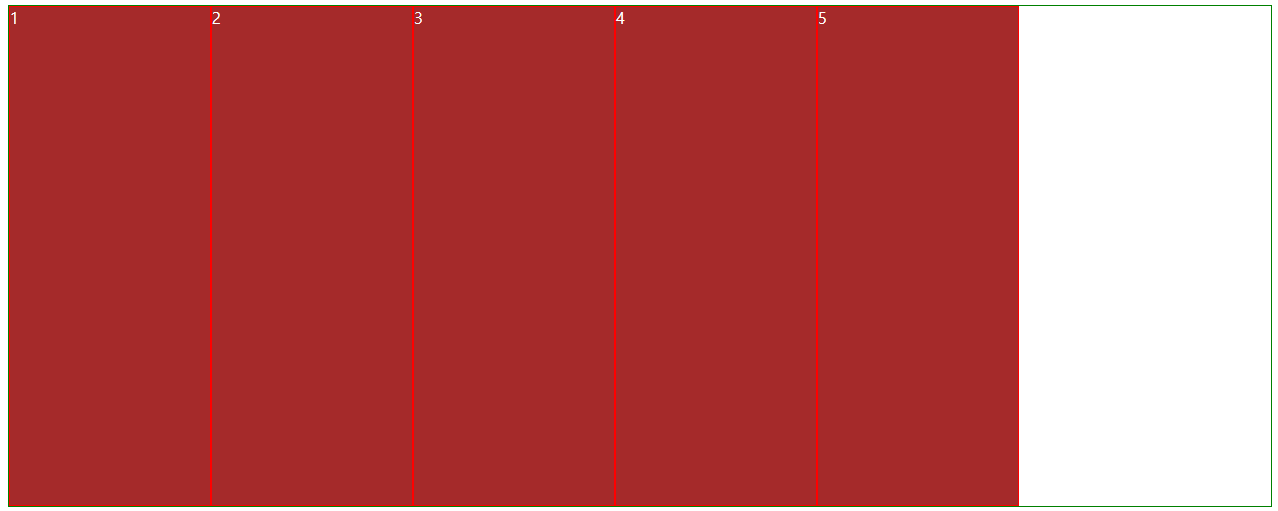
▶justify-content: flex-end;
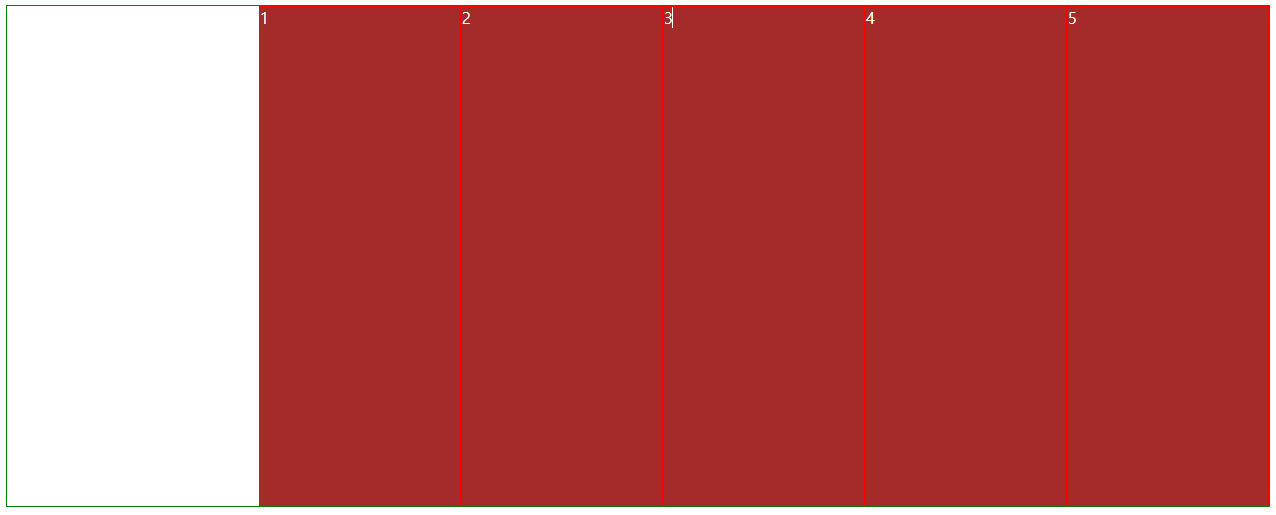
▶justify-content: center;
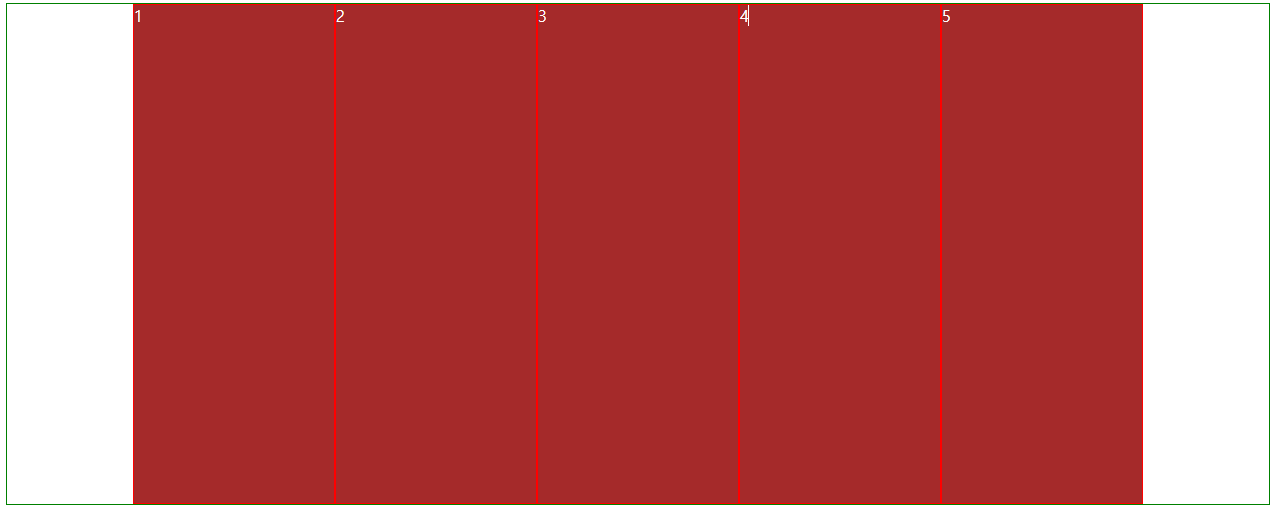
▶justify-content: space-between;
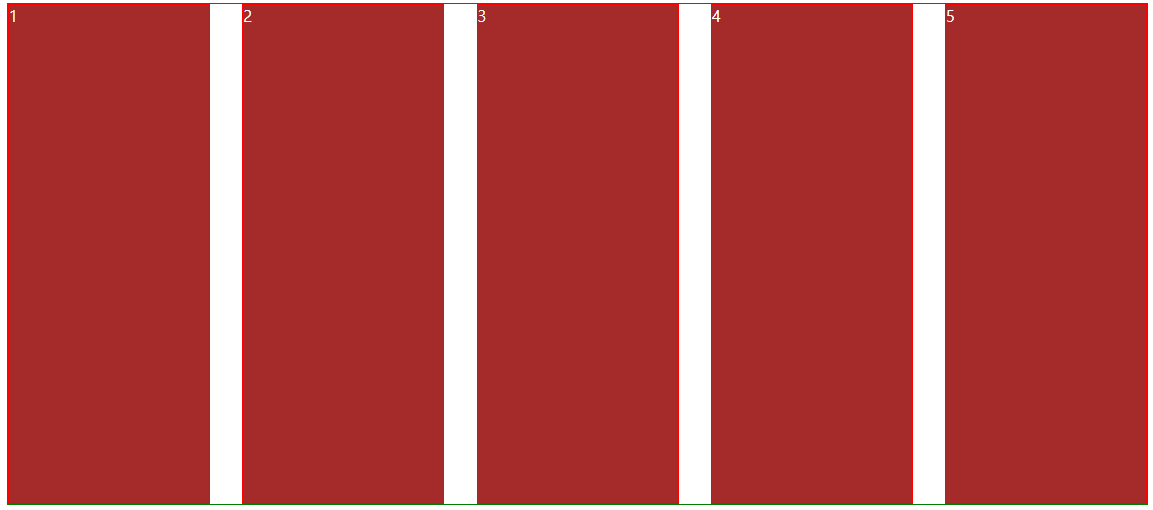
▶justify-content: space-around;
space-between;와 다르게 1번 좌측과 5번 우측에도 동일하게 균등분배된다.
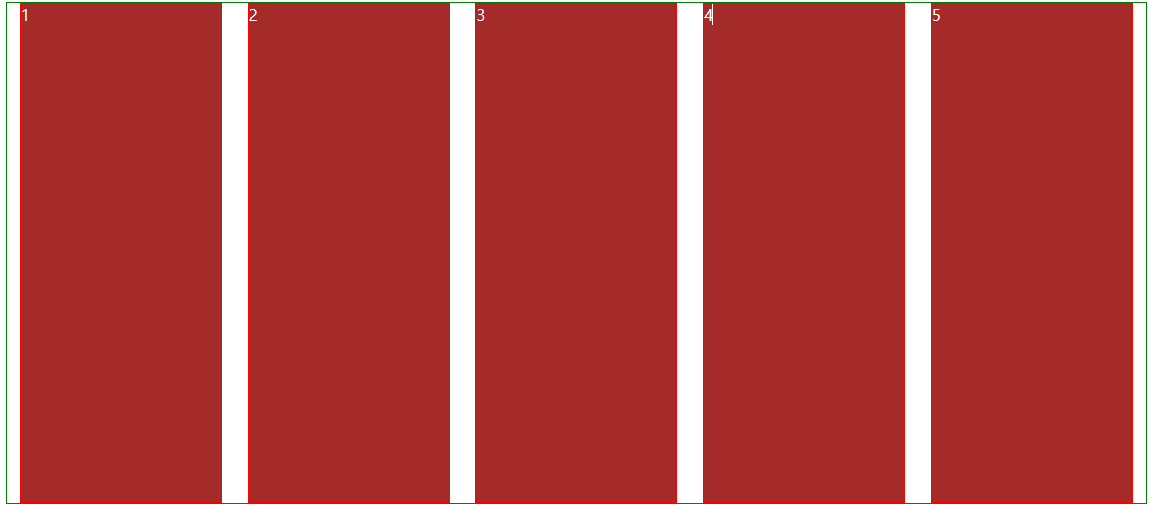
▶justify-content: space-evenly;
space-around;와 다르게 1번좌측과 5번 우측이 모두 동일한 간격으로 진행된다.
IE와 엣지(Edge)에서는 지원되지 않는다.
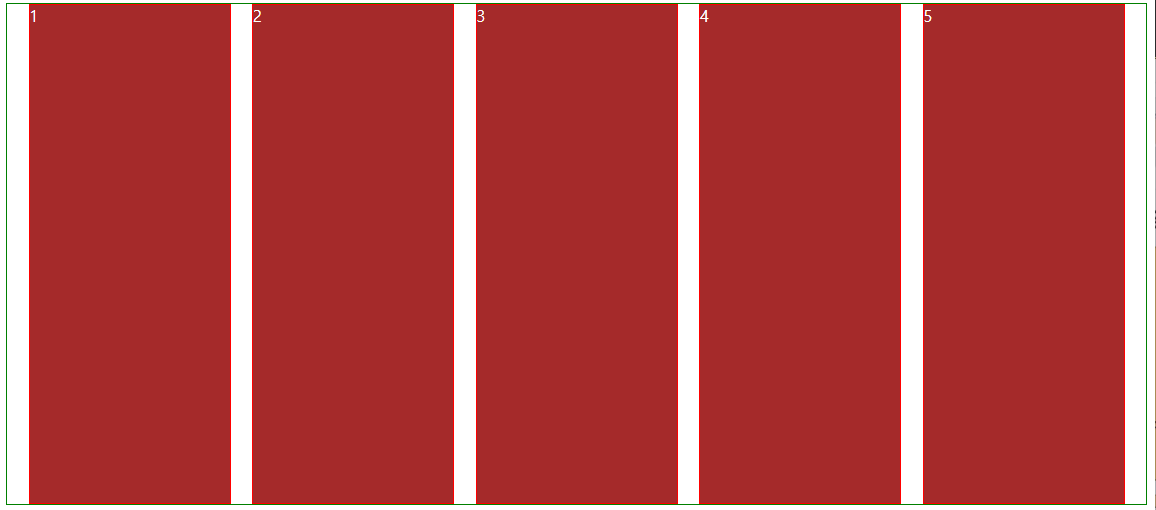
justify-content: space-between;
justify-content: space-around;
justify-content: space-evenly;
이 세개가 같아보이지만 비슷하기만하고 엄연히 다르다는점을 알아두록하자!!
◆flex-direction(배치 방향 설정)
▶flex-direction: row;
좌에서 우로 수평 배치되고, flex-dierction의 기본값이다.
▶flex-direction: row-reverse;
우에서 좌로 수평 배치
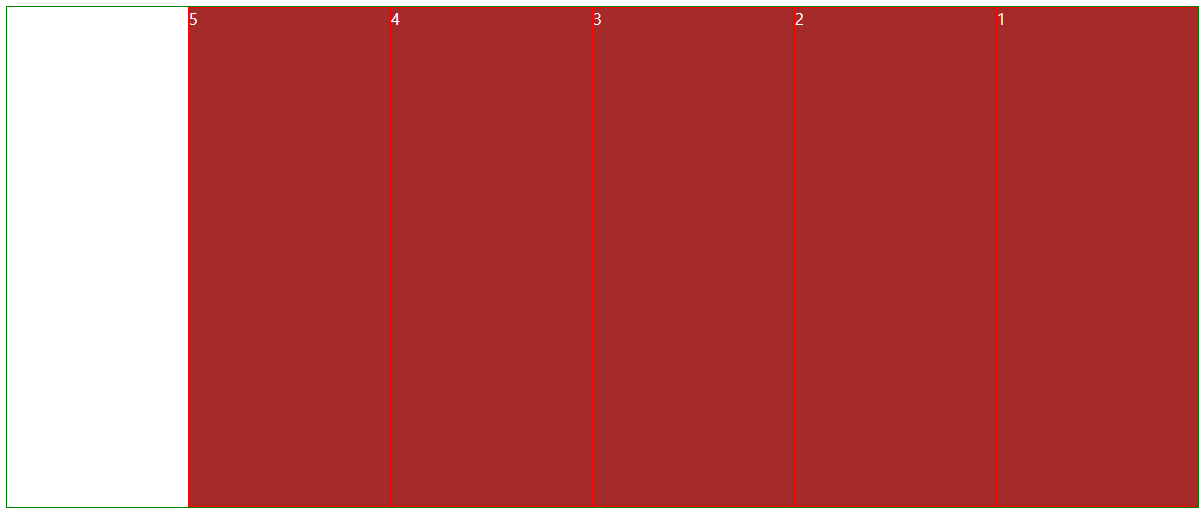
▶flex-direction: column;
위에서 아래로 수직 배치된다.
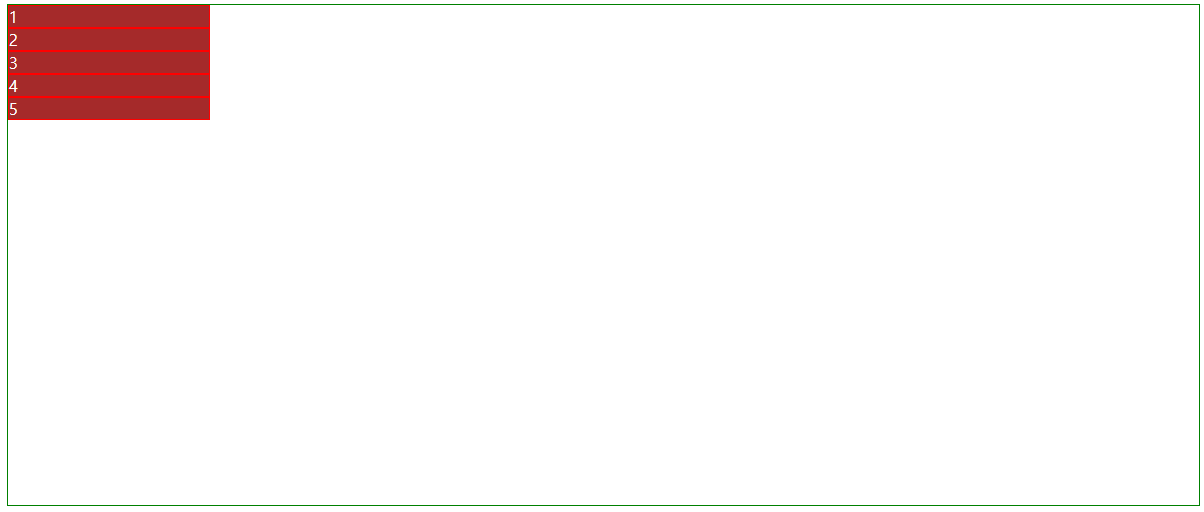
▶flex-direction: column-reverse;
아래에서 위로 수직 배치된다.

◆flex-wrap (줄넘김 처리 설정)
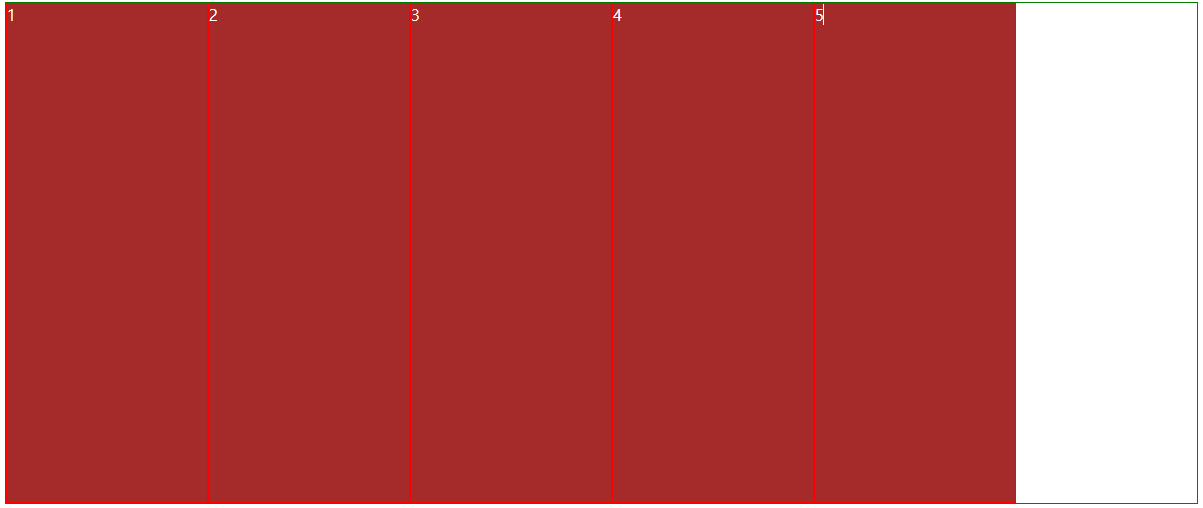
▶flex-wrap: nowrap;
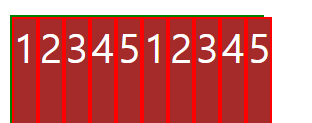
줄바꿈을 하지 않는다. 혹시라도 넘치게 되면 그냥 이렇게 삐져나간다.
초록색 선을 5번박스가 넘어간걸 볼 수 있다.
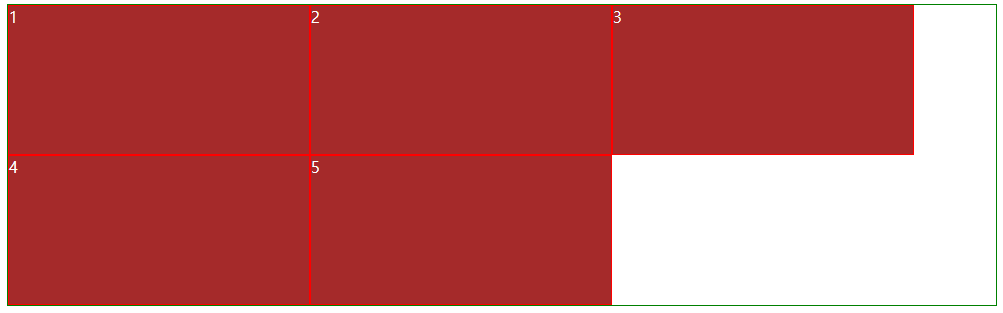
▶flex-wrap: wrap;
줄바꿈을 진행한다.
▶flex-wrap: wrap-reverse;
줄바꿈을 하지만 아이템을 역순으로 배치한다.

◆align-items(수직축 방향 정렬)
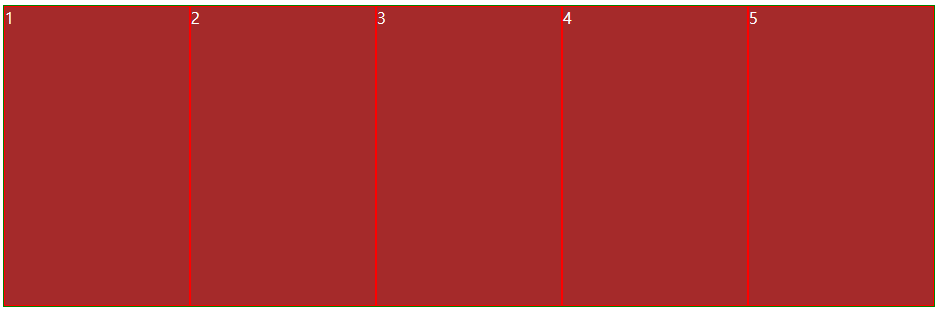
▶align-items: stretch;(기본값)
수직축 방향으로 정렬한다.
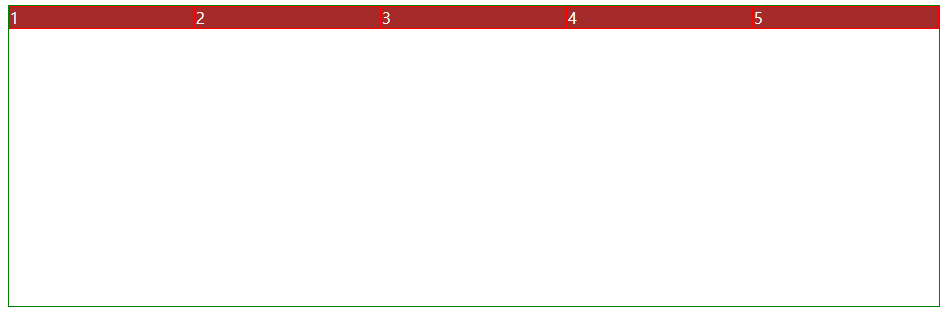
▶align-items: flex-start;
아이템들을 시작점으로 정렬한다.
flex-dierction이 row일때는 위
column일때는 왼쪽
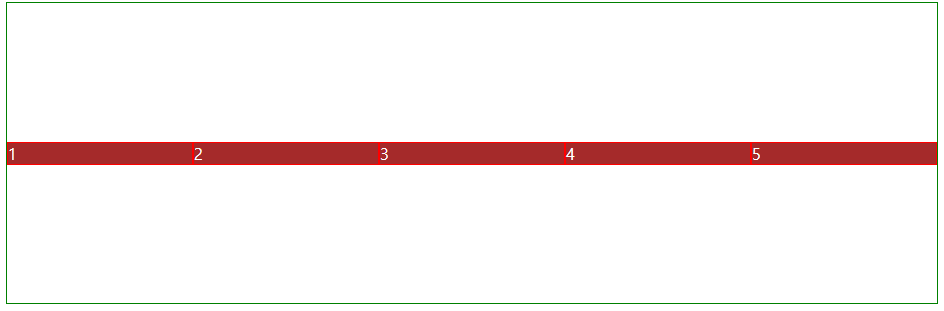
▶align-items: flex-end;
아이템들을 끝으로 정렬한다.

▶align-items: center;
아이템들을 가운데로 정렬한다.
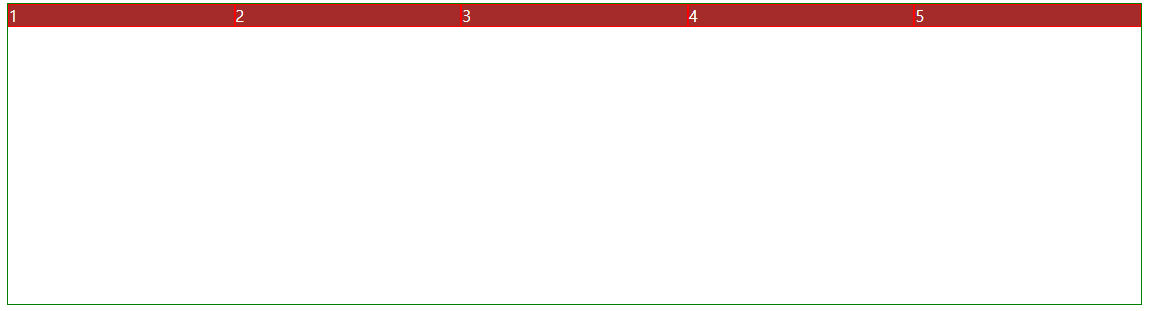
▶ align-items: baseline;
텍스트 베이스라인 기준으로 정렬한다.
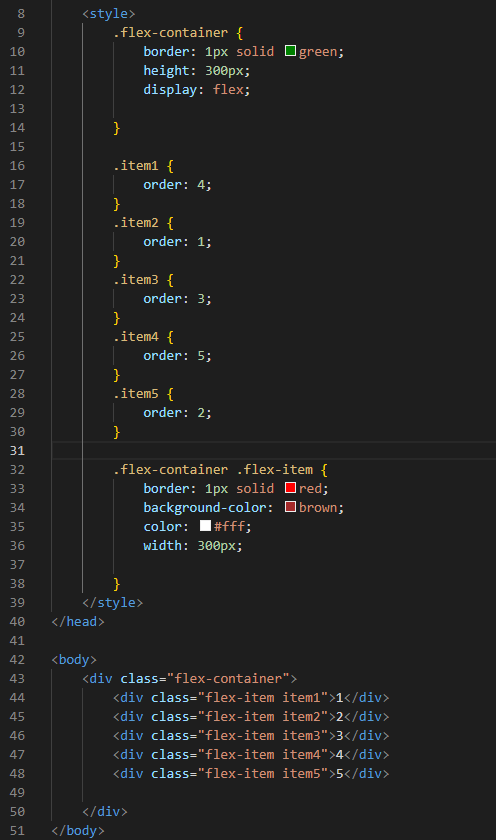
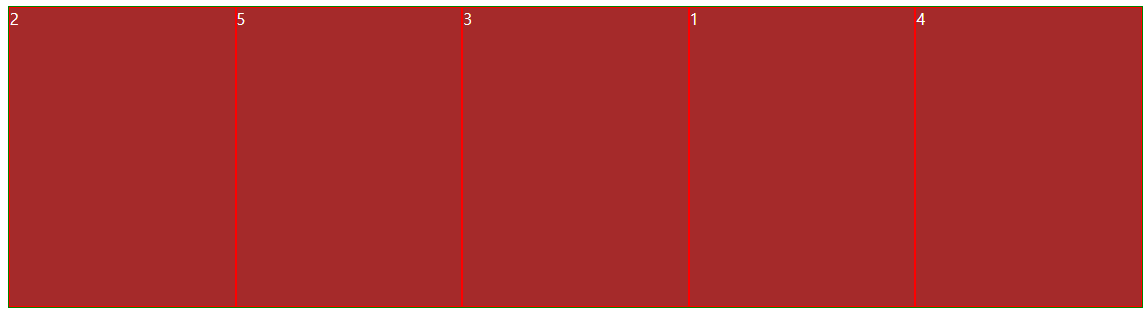
order
배치순서를 정할 수 있다. 두 가지 방법이 있다.
첫번째 방법이다.
두번째 방법이다.

'국비교육' 카테고리의 다른 글
| 국비지원교육 22일차(5주차&자바스크립트) (0) | 2023.12.12 |
|---|---|
| 국비지원교육 21일차(5주차&자바스크립트) (1) | 2023.12.11 |
| 국비지원교육 19일차(4주차) (0) | 2023.12.07 |
| 국비지원교육 18일차(4주차) (2) | 2023.12.06 |
| 국비지원교육 17일차(4주차) (2) | 2023.12.05 |


